

Signature validation failed. SAML Response rejected
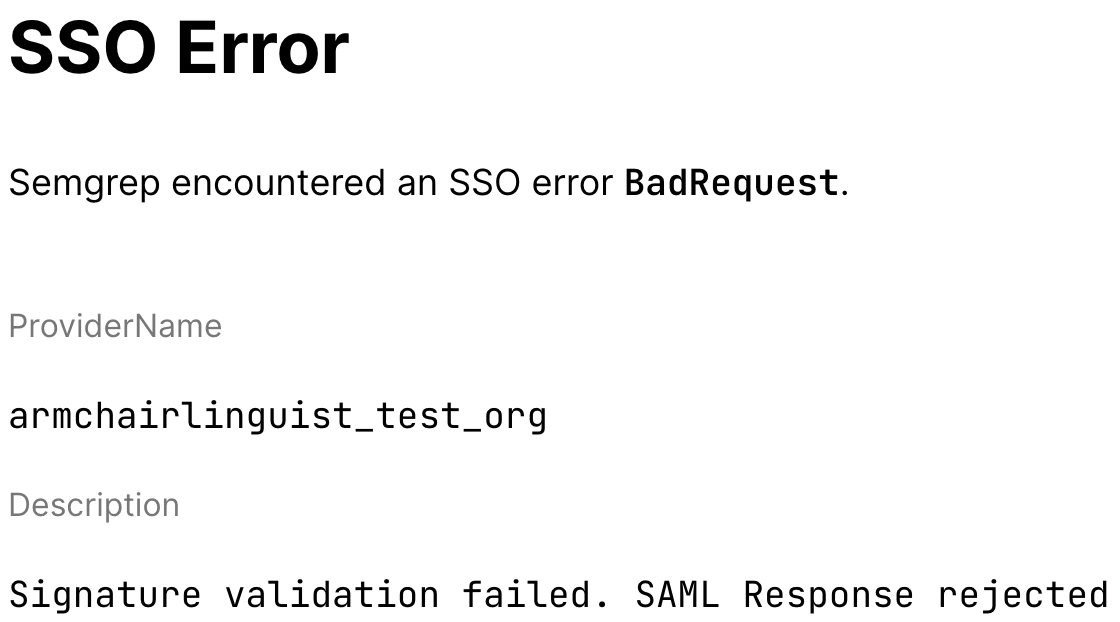
- You may not have entered the certificate correctly in the Semgrep SSO settings. Verify that the signature there matches the one provided by your IdP.
- Your certificate may have a problem, such as being outside its validity dates. Inspect the signature information for the certificate you uploaded to Semgrep AppSec Platform and ensure it is valid.
server.crt, you can view the signature information on the command-line using:
- Certificate authority or Issuer
- Validity dates
- Signature algorithm and value
Sign in to Semgrep AppSec Platform.
Click Settings > Access > SSO.